Managing WRITER Meet
Last updated: August 10, 2026
Who can use this feature
Organization administrators with access to AI Studio can enable or disable WRITER Meet.
Overview
WRITER Meet lets WRITER Agent join your meetings, transcribe in real time, and generate actionable summaries with decisions and next steps. For administrators, WRITER Meet provides organization-wide controls to manage how the feature is enabled, how transcripts are stored, how summaries are shared, and what participants see when a recording begins.
WRITER Meet is useful for individual productivity, helping people stay present in meetings, capture transcripts, and generate summaries. Its bigger value is for GTM teams that spend a significant amount of time in meetings and need those conversations to inform the work that comes next: customer follow-up, campaign planning, team alignment, and recurring workflows.
As an administrator, you control:
Which teams can access WRITER Meet
Whether meeting transcripts are stored alongside summaries
Whether users can share meeting notes with people outside your organization
The automated recording notification message participants see when a meeting begins
Enable or disable WRITER Meet
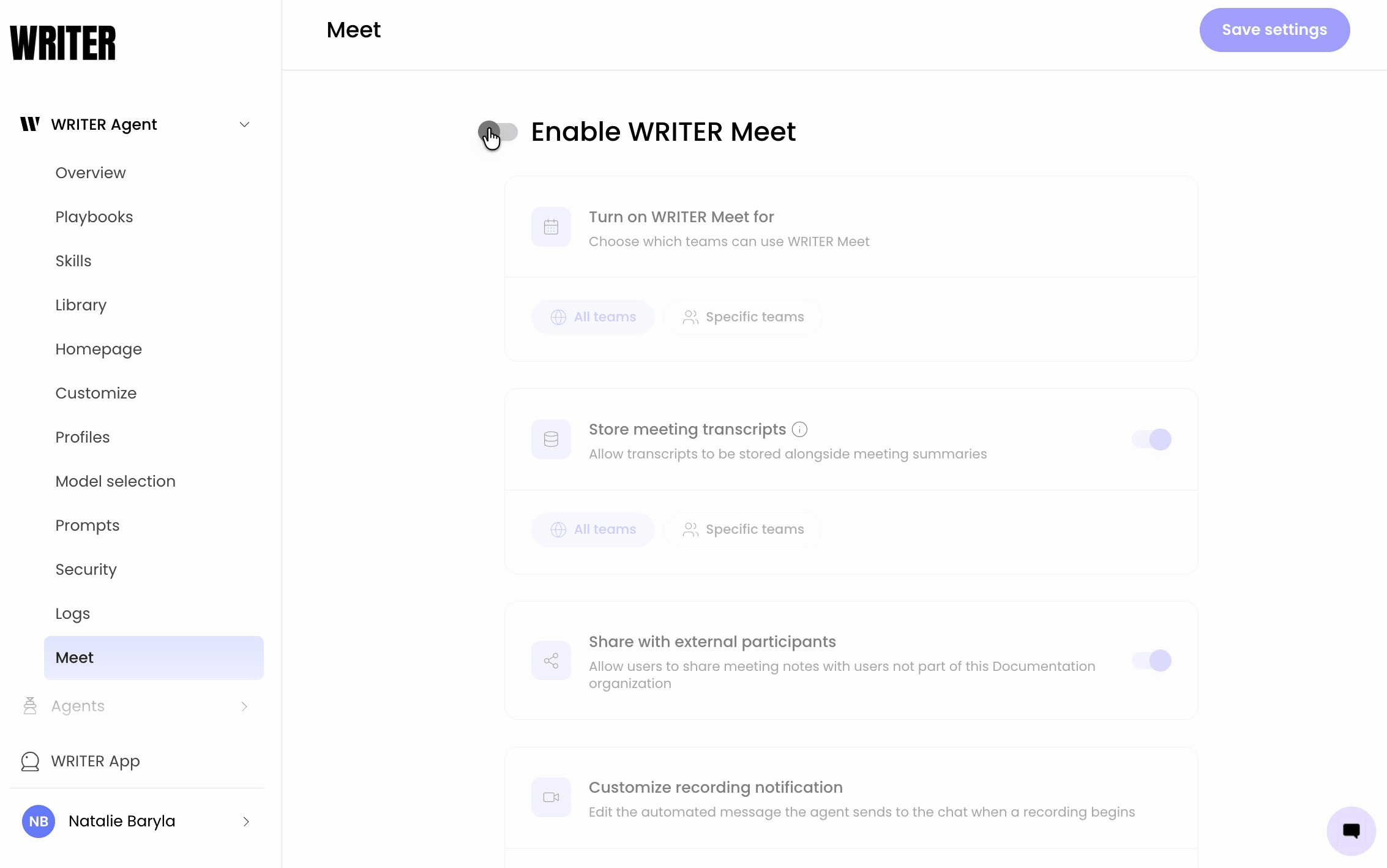
Navigate to AI Studio > WRITER Agent > Meet. Toggle Enable WRITER Meet to the on position to turn the feature on, or to the off position to turn it off.
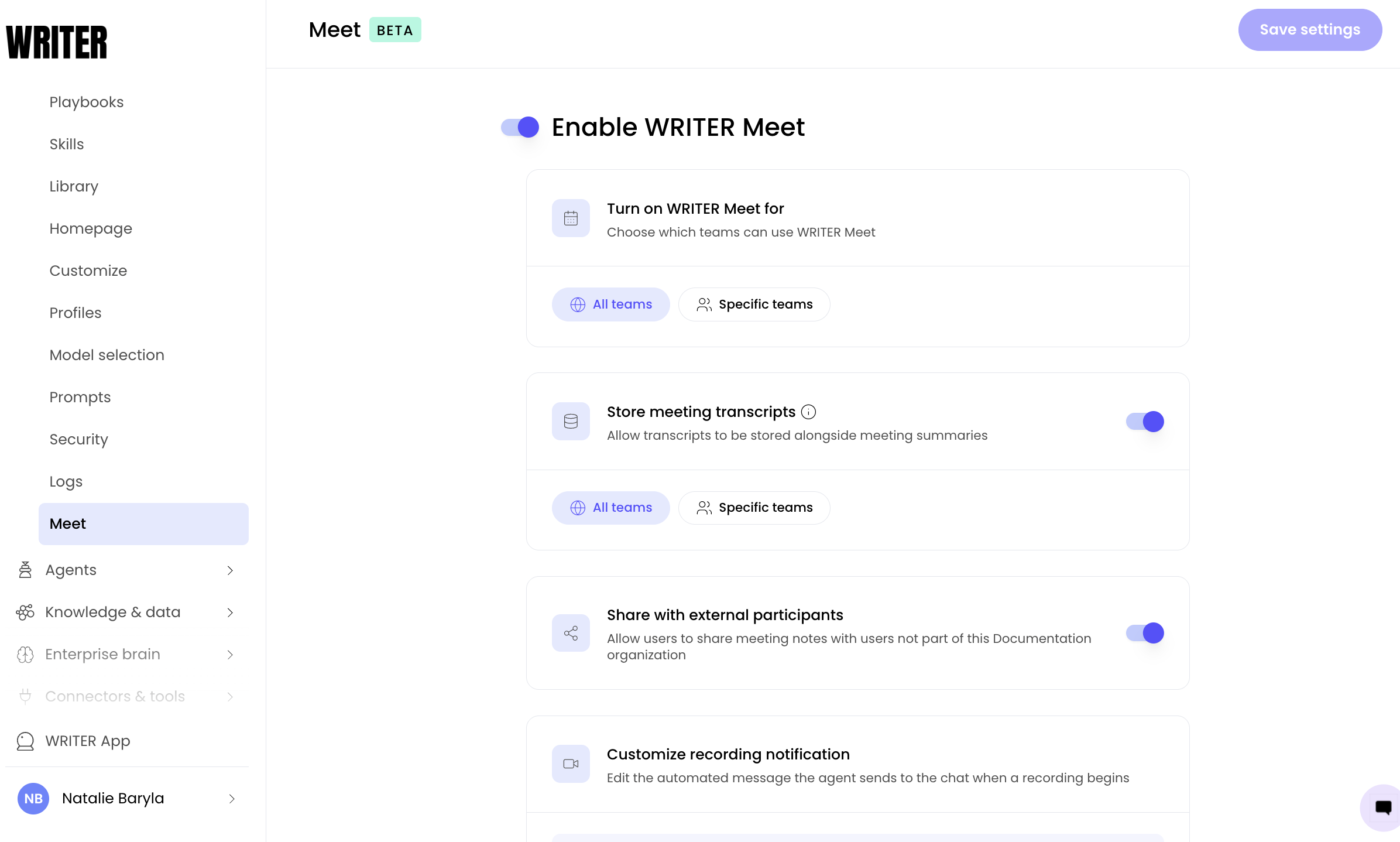
When WRITER Meet is enabled, you can choose which teams have access:
Under Turn on WRITER Meet for, select one of the following:
All teams — Every team in your organization can use WRITER Meet.
Specific teams — Only the teams you select can use WRITER Meet.
If you select Specific teams, choose the teams from the list that appears.
⚠ Note: Disabling WRITER Meet turns off the feature for all teams. Existing transcripts and summaries remain accessible to users who already have them.
Admin settings
The WRITER Meet admin panel in AI Studio provides four configuration areas. Each is described in detail below.
Enable WRITER Meet
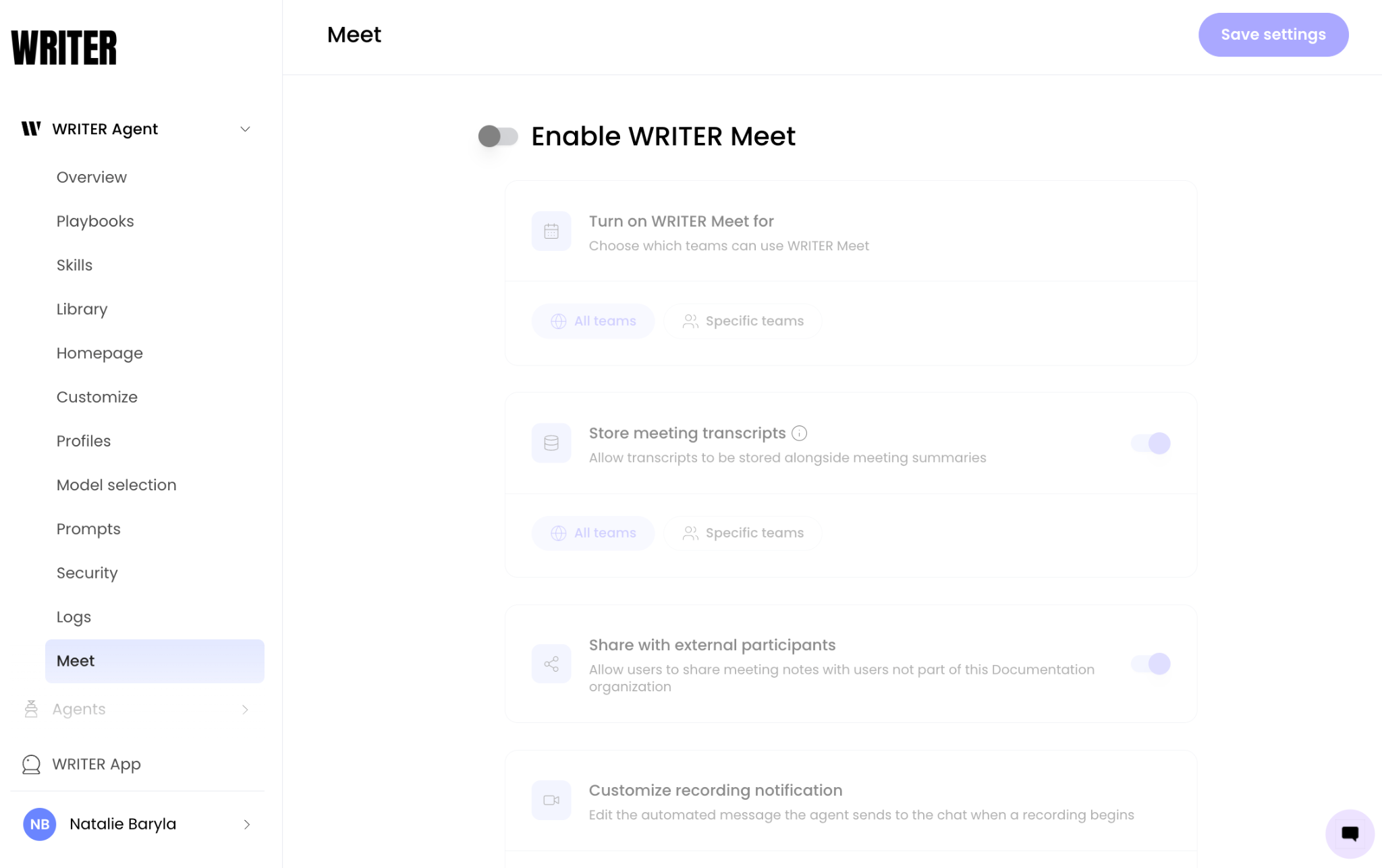
This toggle controls whether WRITER Meet is available in your organization. When disabled, users cannot invite WRITER Agent to meetings, and the Meet tab will not appear in the WRITER Agent interface.
Options:
All teams — Enable WRITER Meet for every team in your organization.
Specific teams — Enable WRITER Meet only for selected teams. Use this option if you want to roll out the feature gradually or restrict it to specific groups such as Sales or Marketing.
Store meeting transcripts
This setting controls whether meeting transcripts are stored alongside meeting summaries in your organization's workspace.
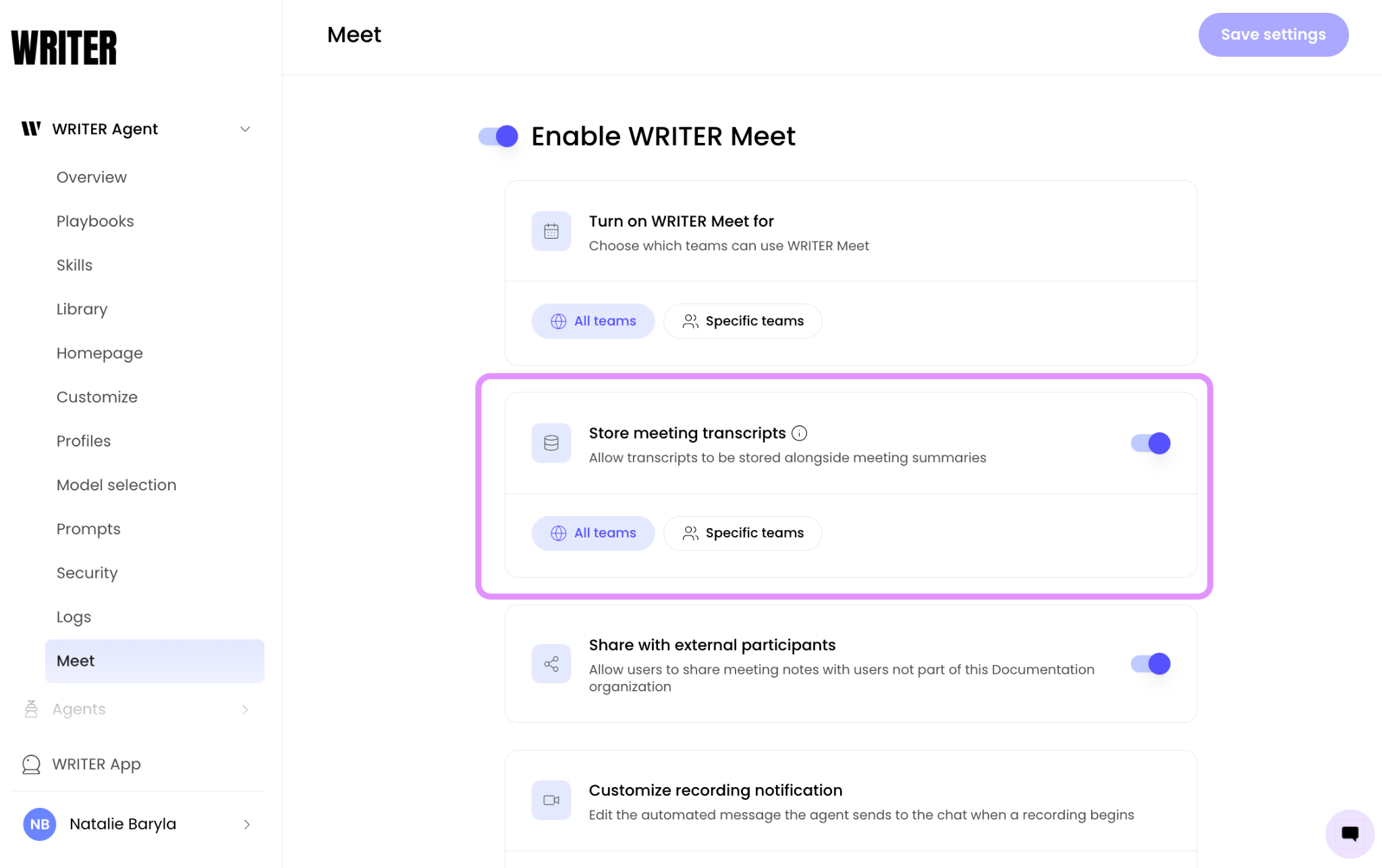
Toggle the setting on to allow transcripts to be stored alongside meeting summaries.
Choose which teams this applies to:
All teams — Transcripts are stored for all teams with access to WRITER Meet.
Specific teams — Transcripts are stored only for the teams you select.
💡 Pro-Tip: Storing transcripts gives teams the ability to query past meetings, search for specific details, and use transcripts as context in WRITER Agent sessions and playbooks. If your organization has data retention requirements, coordinate with your compliance team before enabling transcript storage.
Share with external participants
This setting controls whether users can share meeting notes and summaries with people outside your organization.
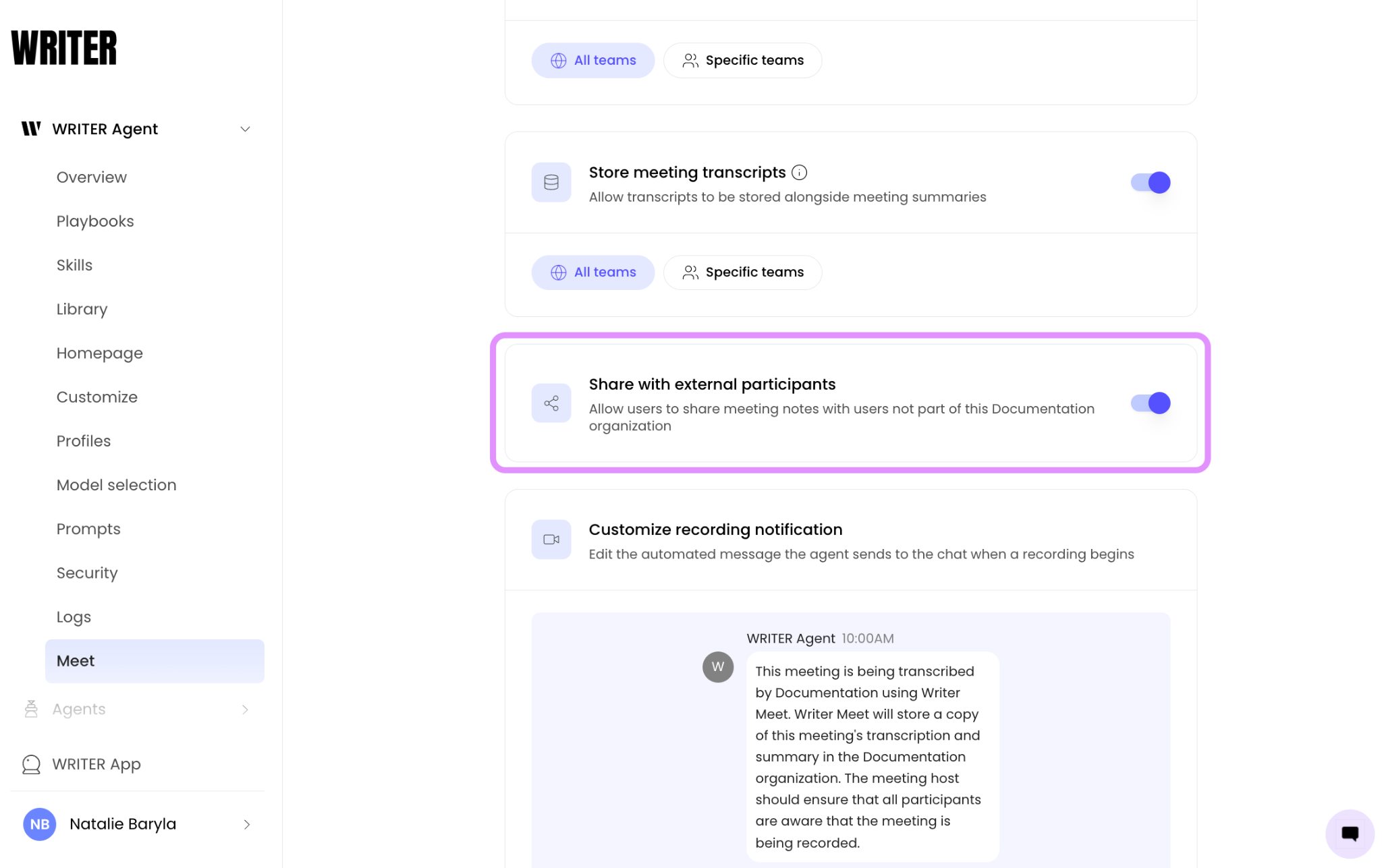
Toggle the setting on to allow users to share meeting notes with users not part of this organization. Toggle the setting off to restrict sharing to internal team members only..
Customize recording notification
This setting lets you edit the automated message WRITER Agent sends to the meeting chat when a recording begins. The default notification informs participants that the meeting is being transcribed and that a copy of the transcript and summary will be saved to the organization's workspace.
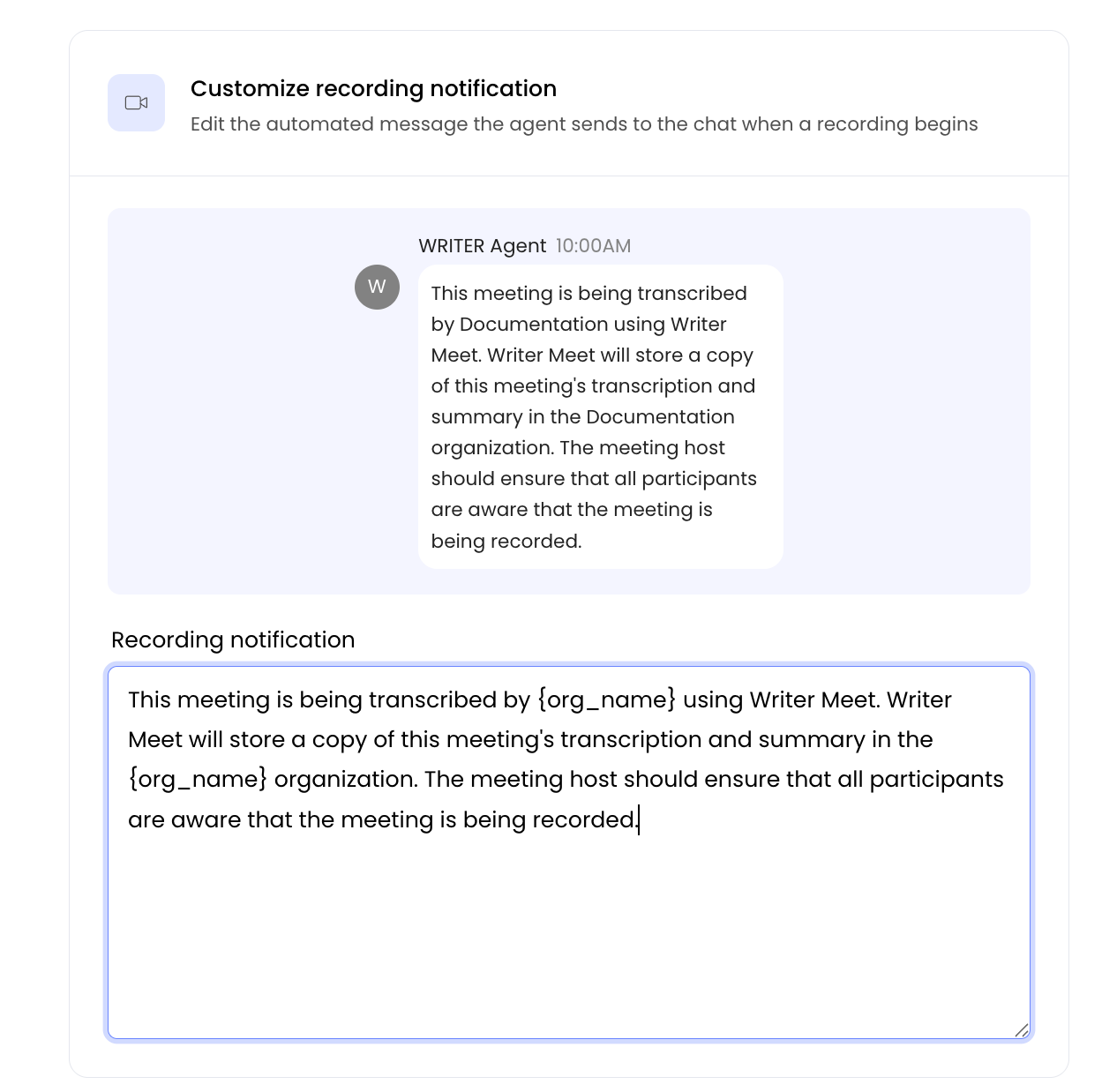
Locate the Customize recording notification section at the bottom of the Meet settings page. Edit the text in the Recording notification field.
Default message:
This meeting is being transcribed using WRITER Meet. A copy of the transcript and summary will be saved to your organization's workspace.
Select Save to apply your changes.
💡 Pro-Tip: Customize the notification to include organization-specific guidance, such as a link to your internal data privacy policy or instructions for participants who want to opt out of being recorded.
FAQs
What happens when I disable WRITER Meet?
When you disable WRITER Meet, users can no longer invite WRITER Agent to meetings. The Meet tab will not appear in the WRITER Agent interface. Existing transcripts and summaries remain accessible to users who already have them in the My Work section.
Can I enable WRITER Meet for some teams but not others?
Yes. Under Turn on WRITER Meet for, select Specific teams and choose which teams should have access. You can update this selection at any time.
What is the difference between storing transcripts and storing summaries?
Summaries are always generated when WRITER Agent joins a meeting. Transcripts are the full text record of the conversation. The Store meeting transcripts setting controls whether those full transcripts are saved alongside summaries in your workspace.
Can I customize the recording notification per team?
No. The recording notification message applies organization-wide.
Does disabling external sharing affect internal sharing?
No. When external sharing is disabled, users can still share summaries with teammates within your organization. The restriction applies only to participants outside your organization.
Where are transcripts and summaries stored?
Transcripts and summaries are stored in your organization's WRITER workspace. [Verify the exact storage location and whether admins can configure retention policies]
Does WRITER train its models on meeting transcripts?
No. We do not train our AI with customer data. WRITER adheres to global privacy laws and security standards, with measures in place to help you meet your compliance obligations.