Creating an AI Academy account
Last updated: July 16, 2026
What is the WRITER AI Academy?
The WRITER AI Academy is your go-to hub for becoming an AI expert. It offers comprehensive on-demand courses, live workshops, and a demo lab to help you build scalable, outcome-driven workflows.
For a complete overview of what the Academy offers, including credentials and live workshops, see our main guide on How to use the WRITER AI Academy. The academy is open to anyone who wants to join. If you don't have a WRITER login, here's how to access the content and courses on the academy.
While WRITER AI Academy is open to all, we've created a space just for partners. If you're a WRITER partner, or would like to join our partner program, head to the Partner Portal.
How to create your account
Ready to start learning? Here is how to get set up:
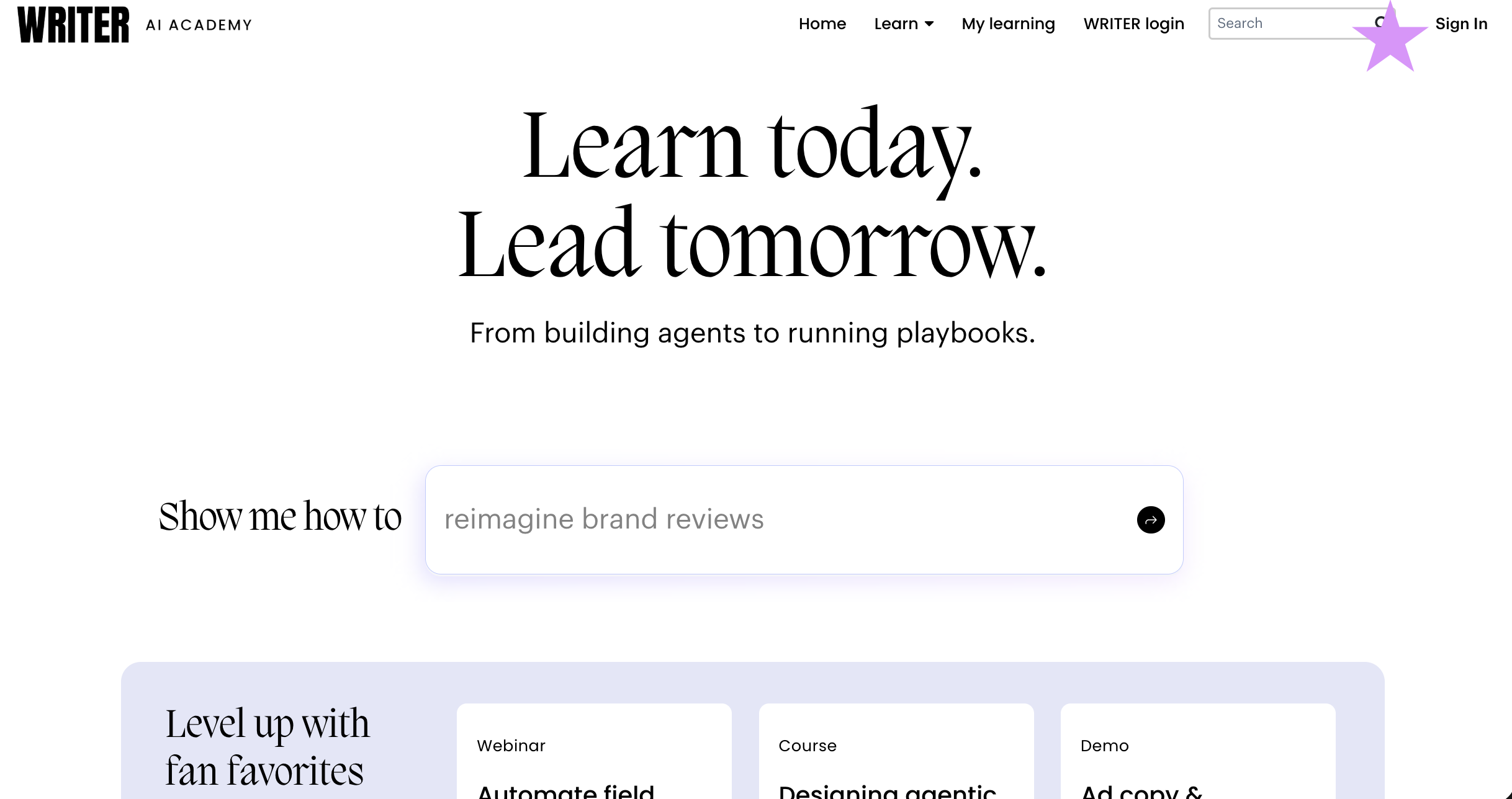
Navigate to the Academy: Go to academy.writer.com and select Sign In from the top right corner.

Select Create an account here and register for an account by following the prompts to finalize your account creation.

To sign back in and continue courses, select Sign In from the top right of AI Academy. Select Sign in with AI Academy and enter the credentials you created when you registered.
If you don't remember your password you can reset it from this page by selecting Forgot Password?
FAQs
Do I need to create an academy account if I have a WRITER login?
No, you don't need a separate account and can login with WRITER if the URL you use to access WRITER is app.writer.com.
If the URL you use to access WRITER is app.eu2.writer.com you will need to create a separate account for the AI Academy.
Can I access the WRITER AI Academy if I only have access to AI Studio?
Yes! The academy is open to all users, including those with developer accounts in AI Studio.
How do I navigate back to the main Academy guide?
You can find comprehensive details about course offerings, credentials, and the demo lab in our main article: How to use the WRITER AI Academy.
Can I delete my Academy data?
Yes. We can delete your Academy data upon request.